布局
布局系统演示
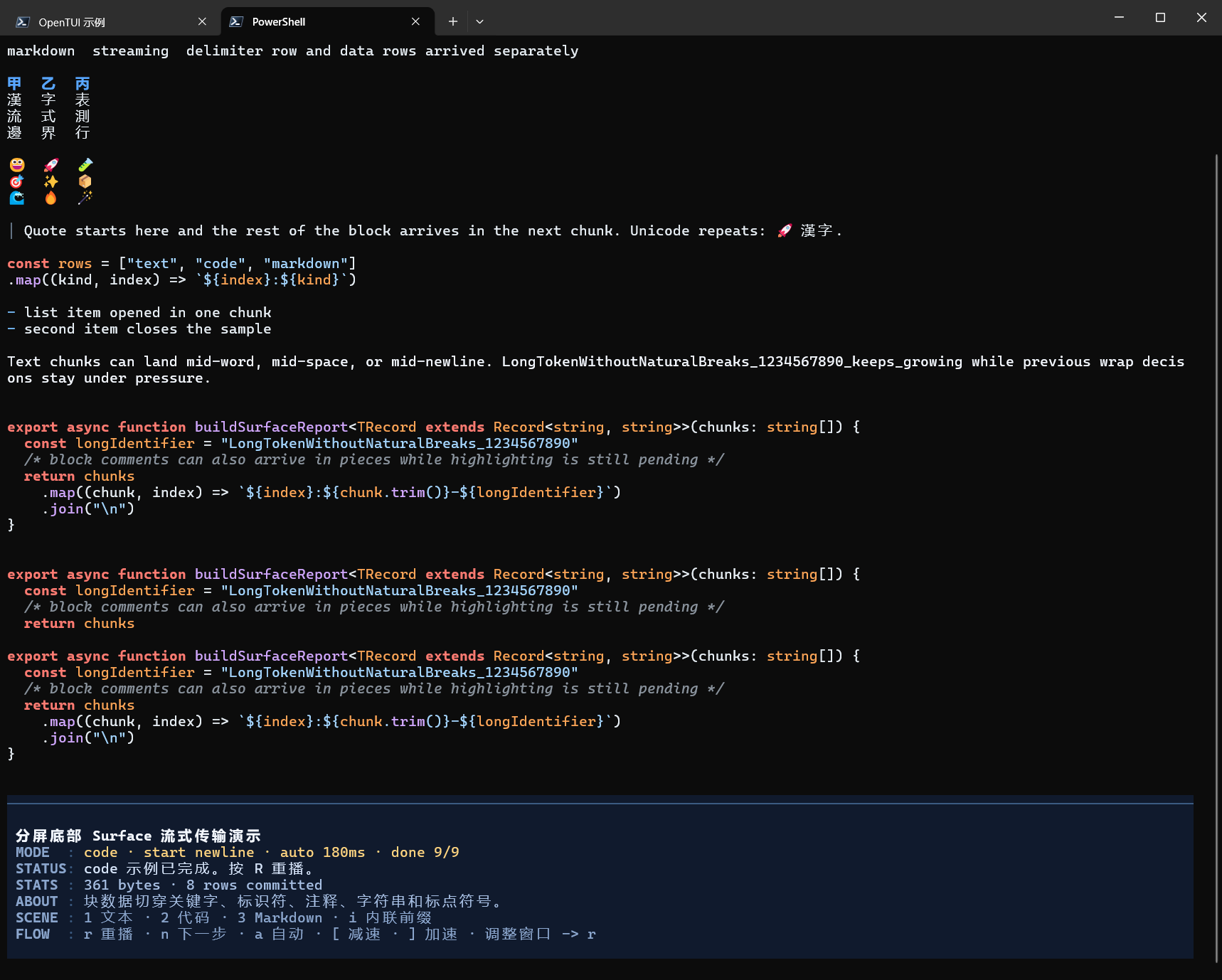
分屏底部流式演示
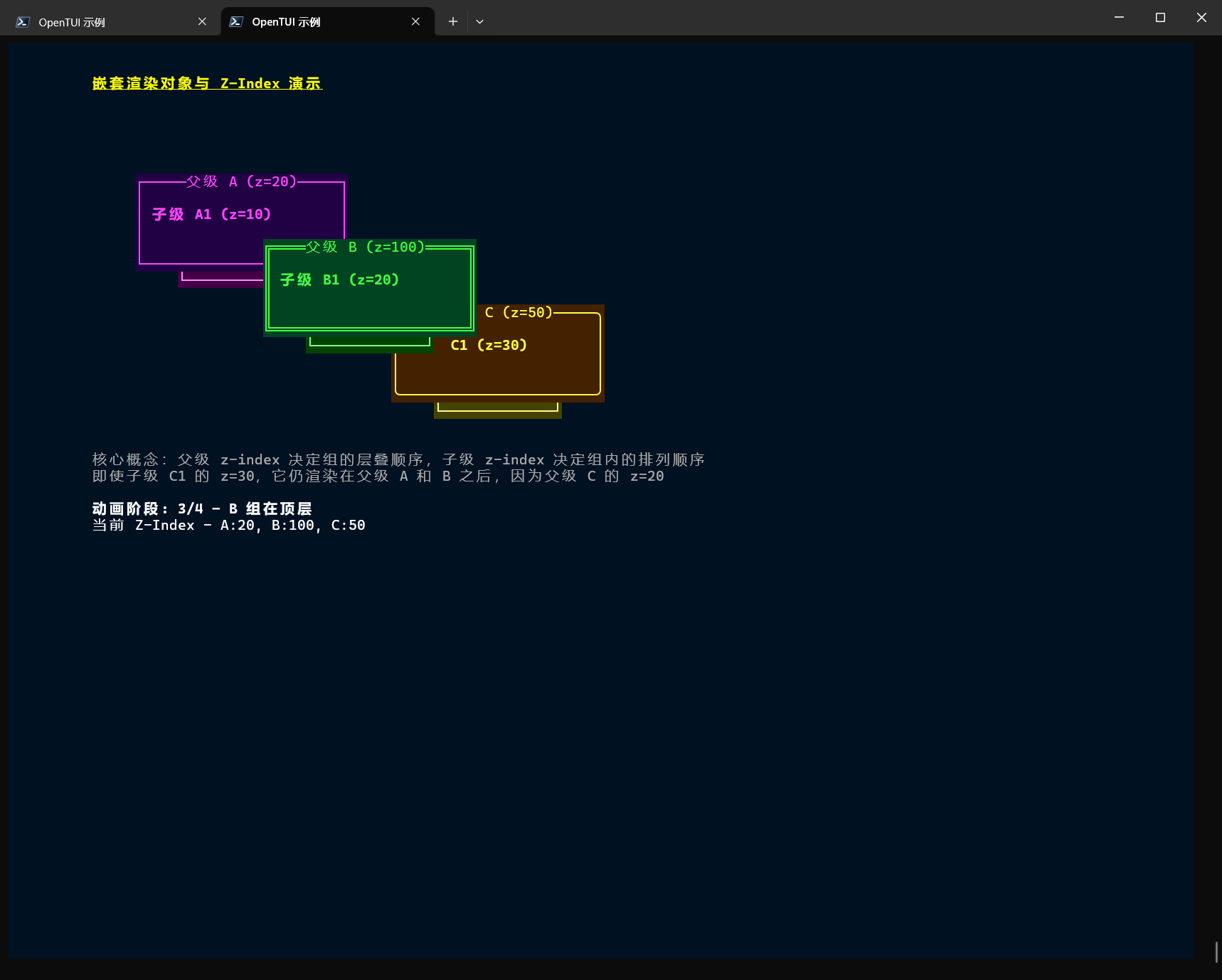
嵌套z-index
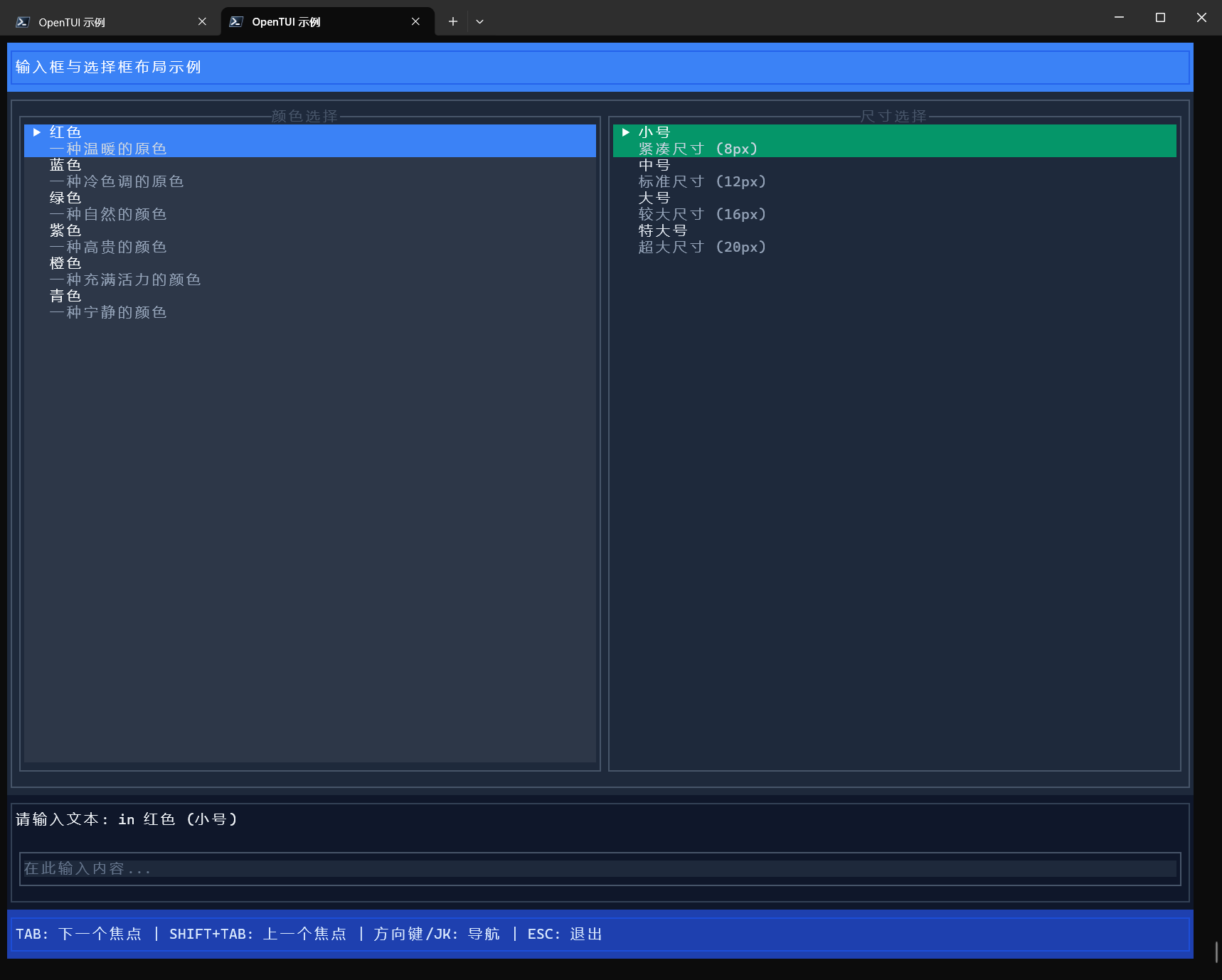
输入框
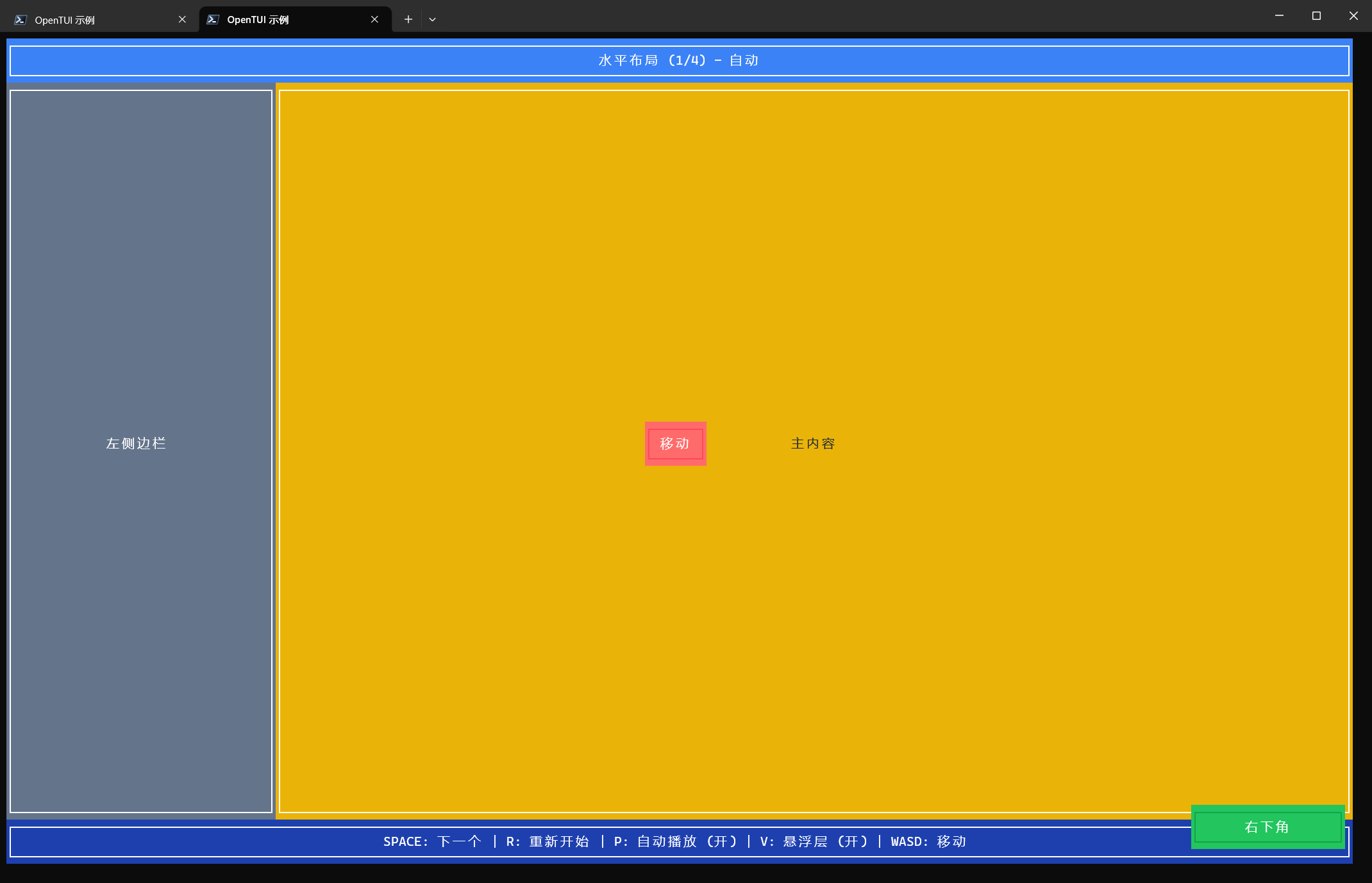
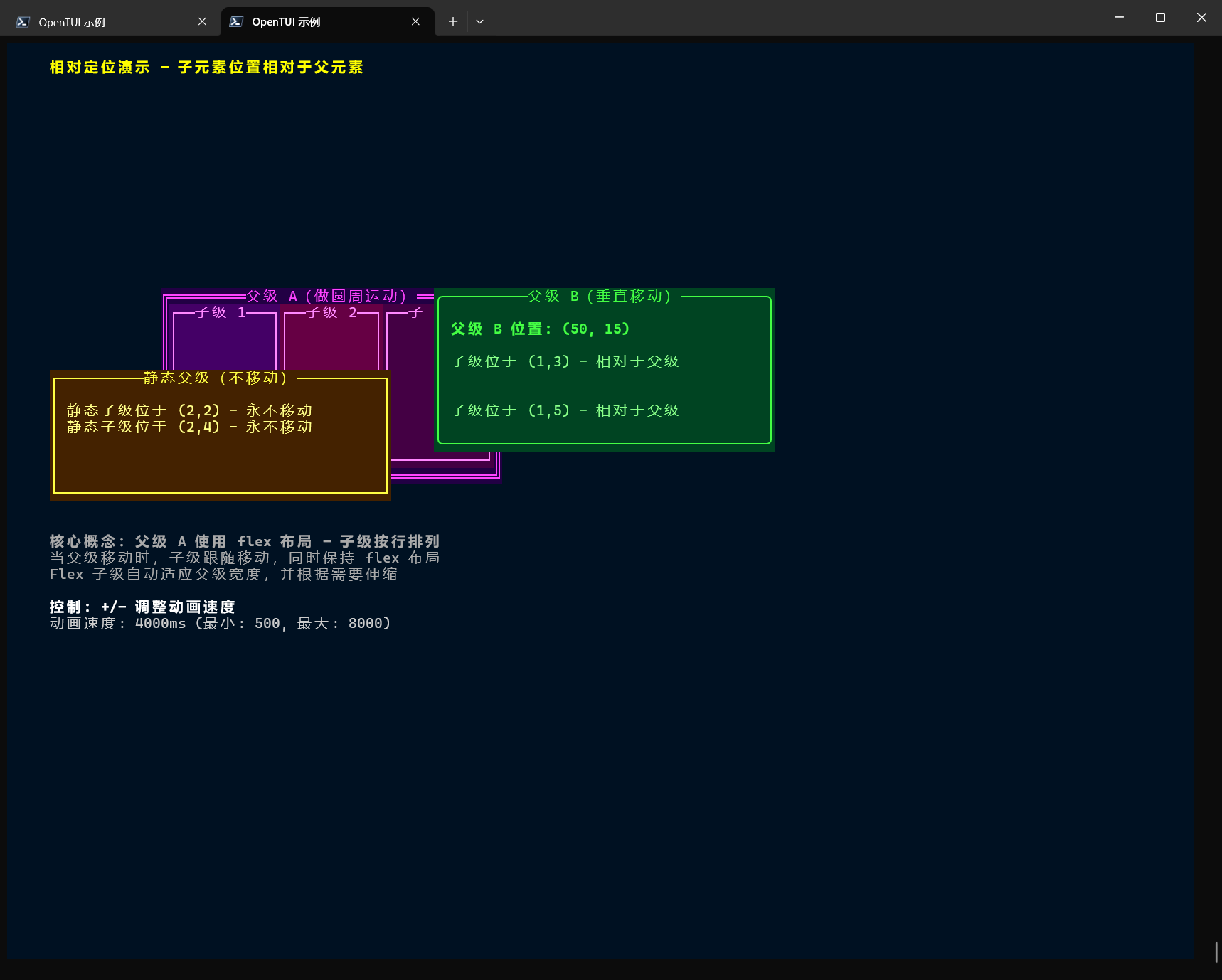
相对定位
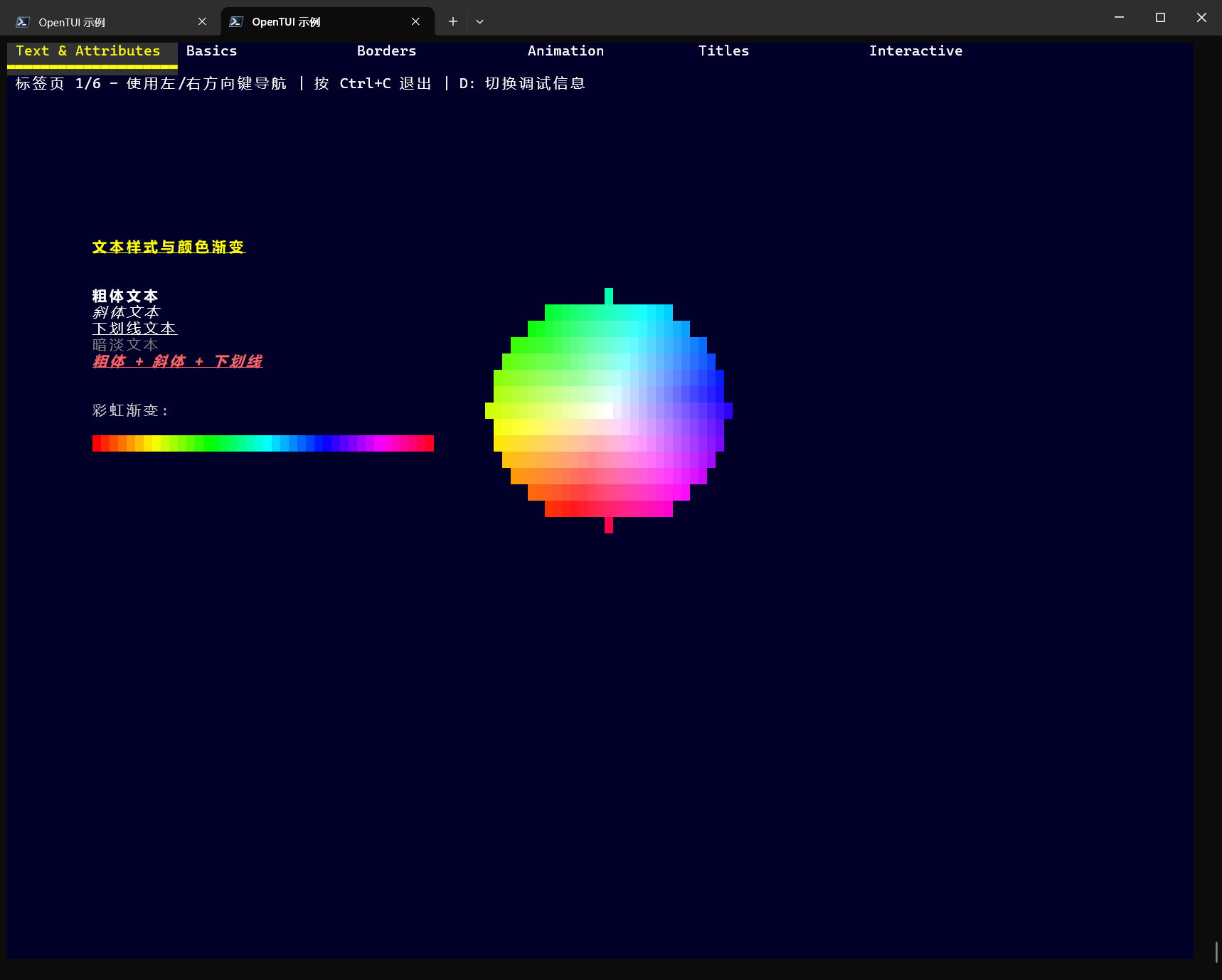
OPENTUI综合演示
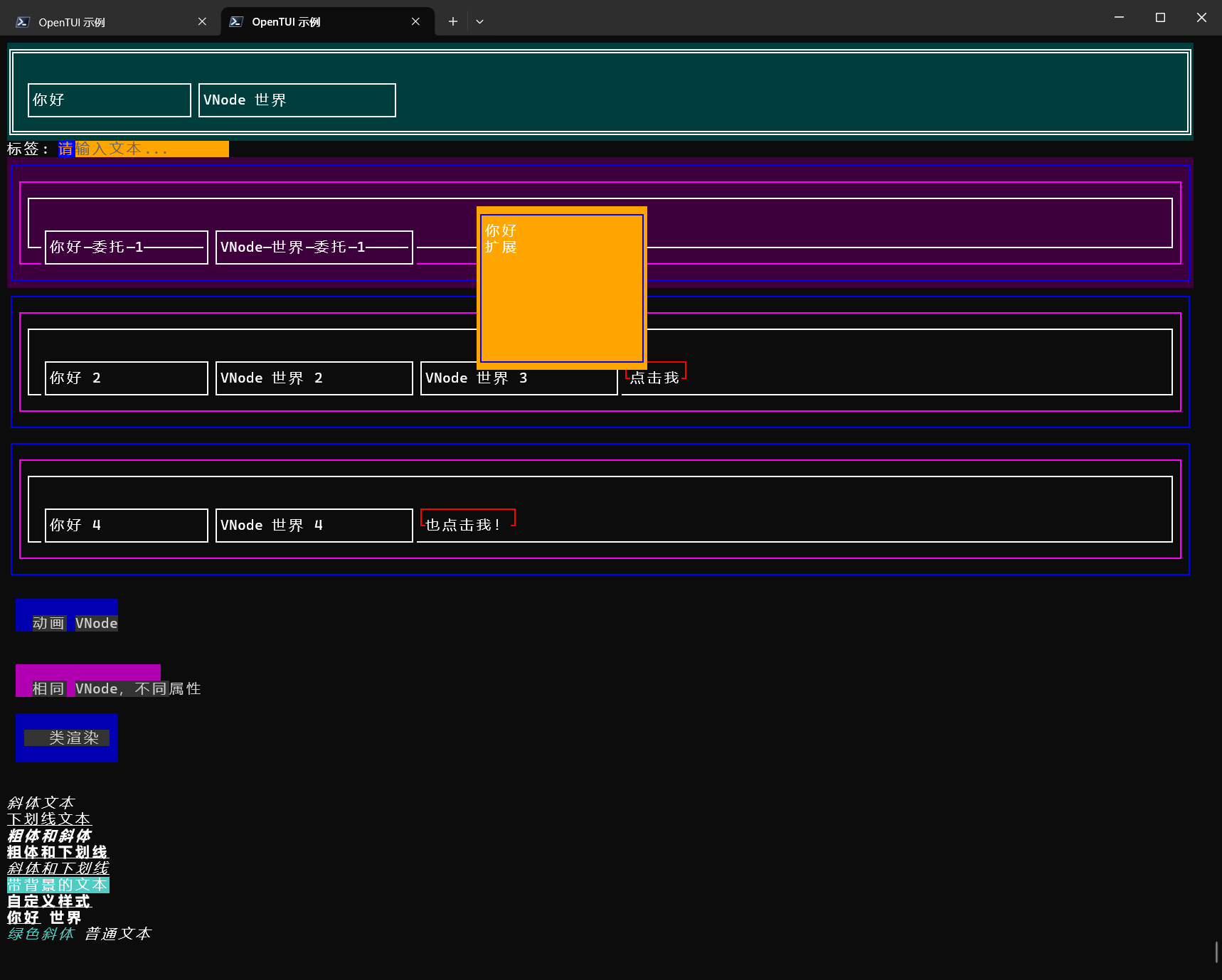
VNODE
输入
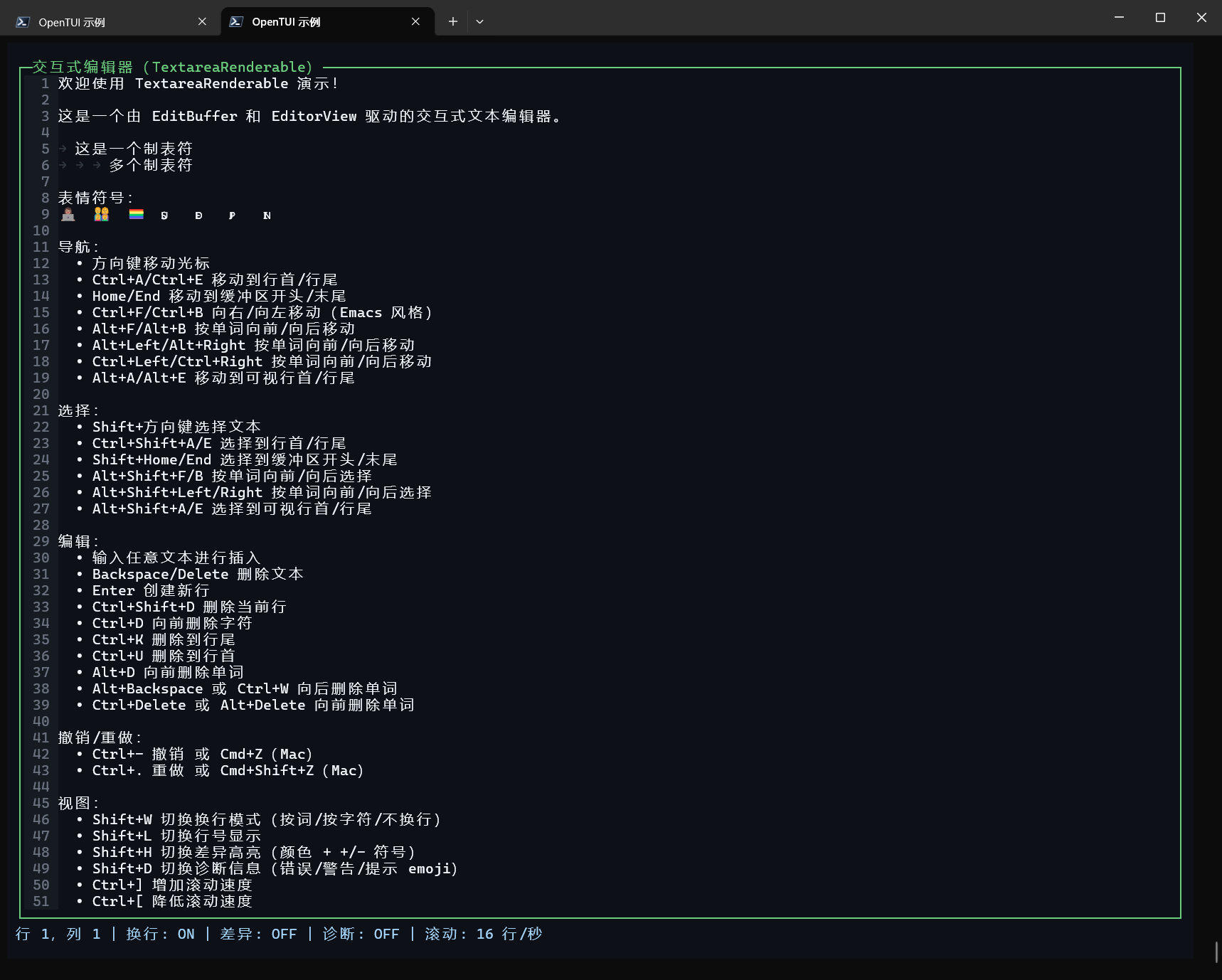
编辑器演示
标签页
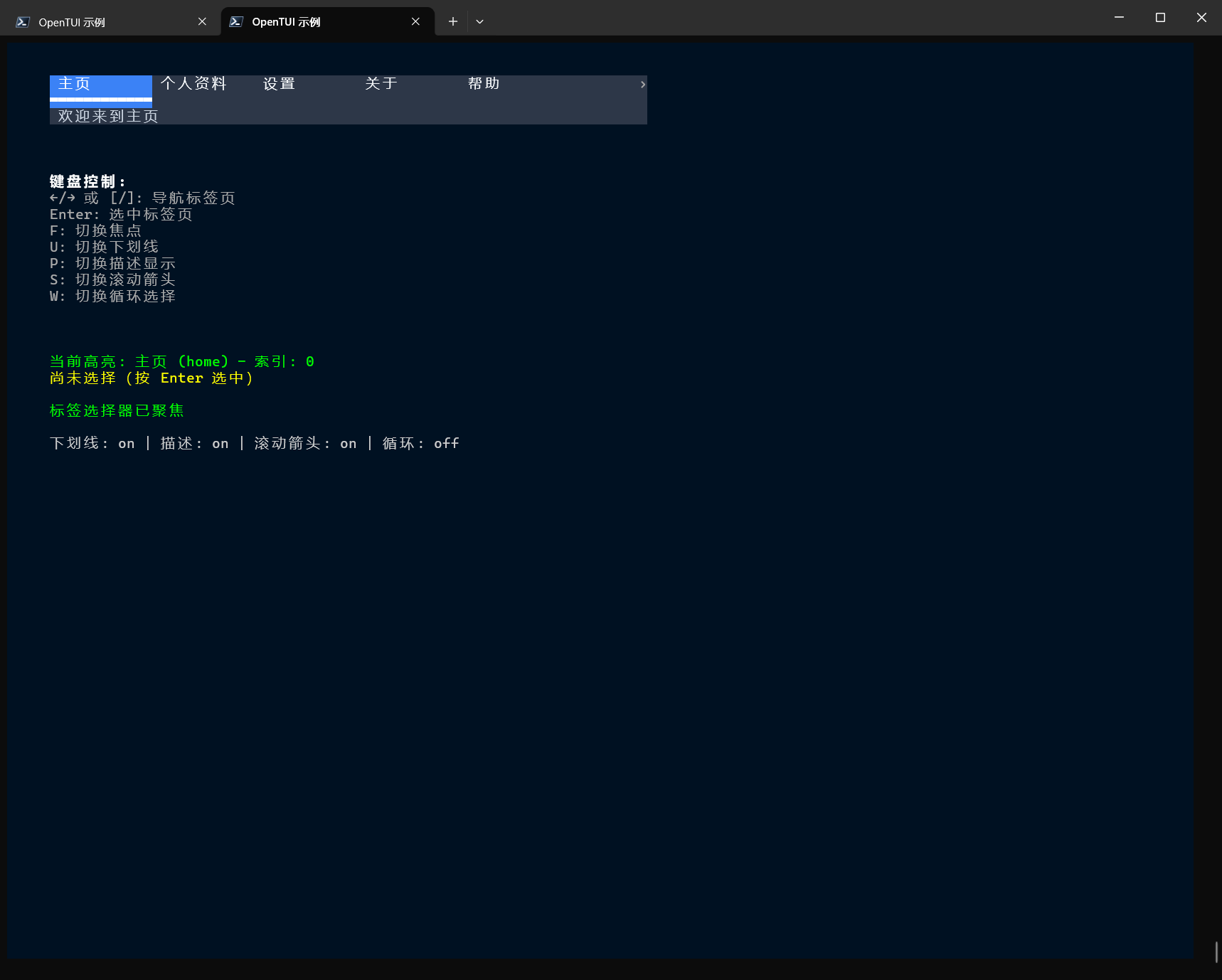
滑块
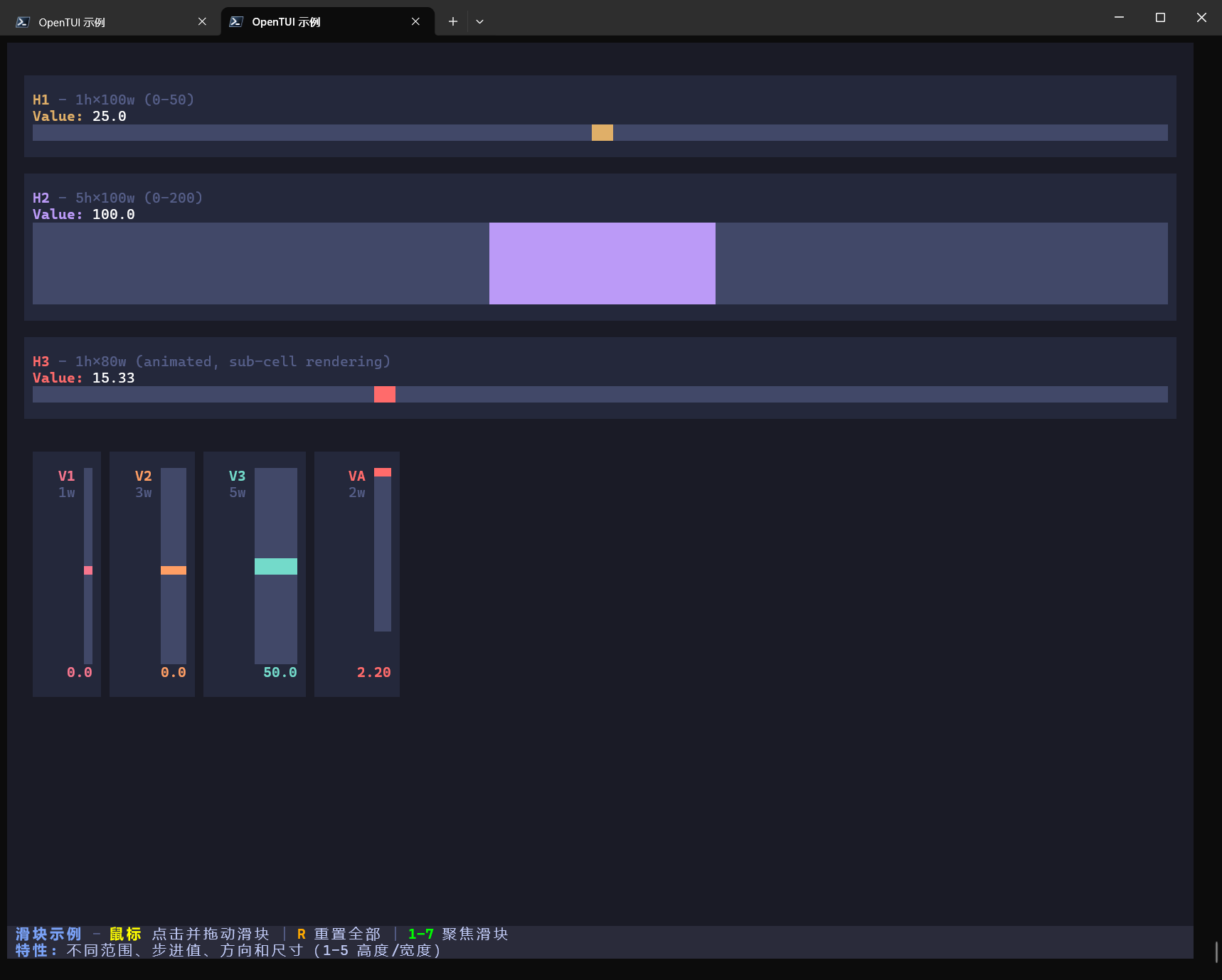
快捷键映射演示
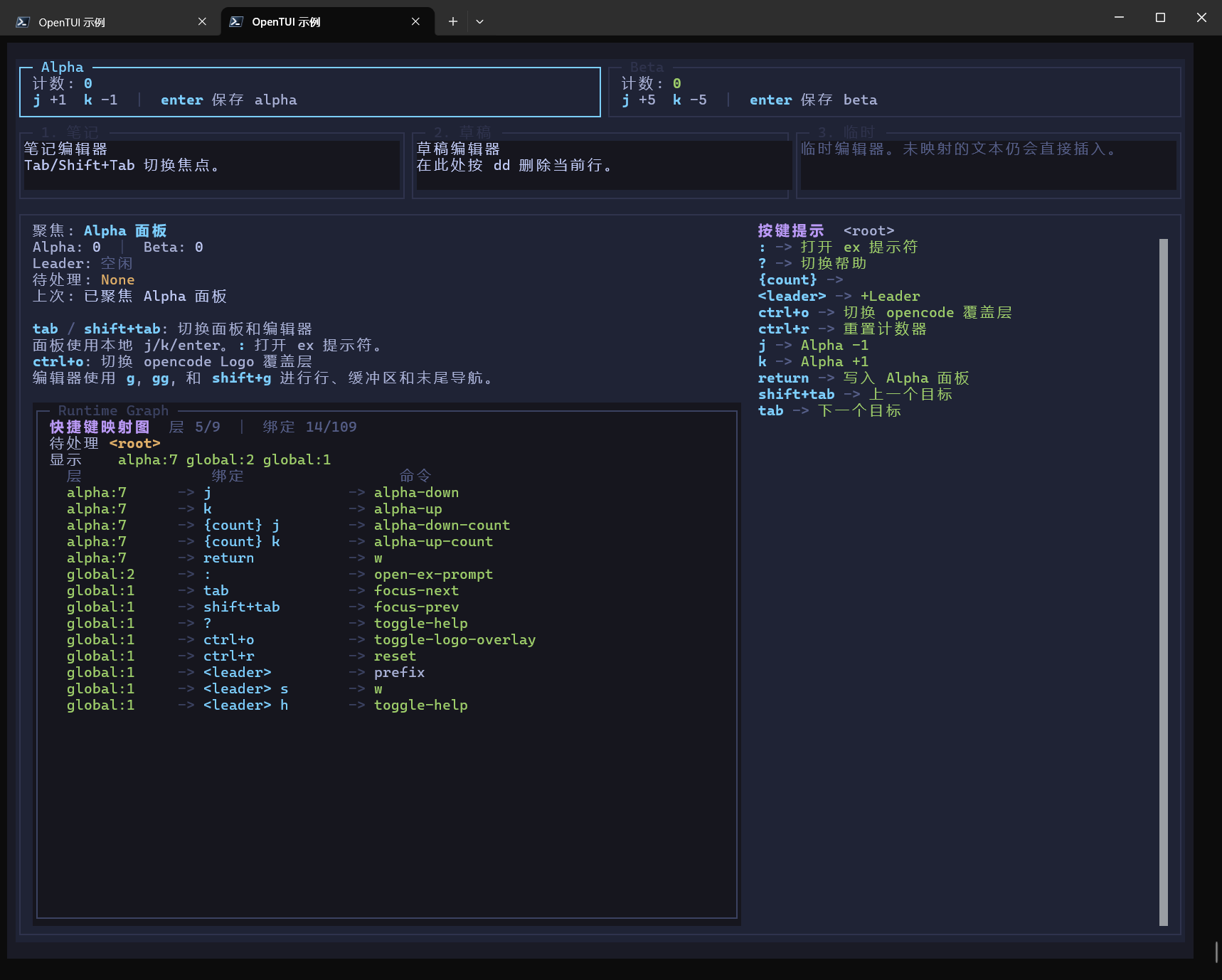
输入演示
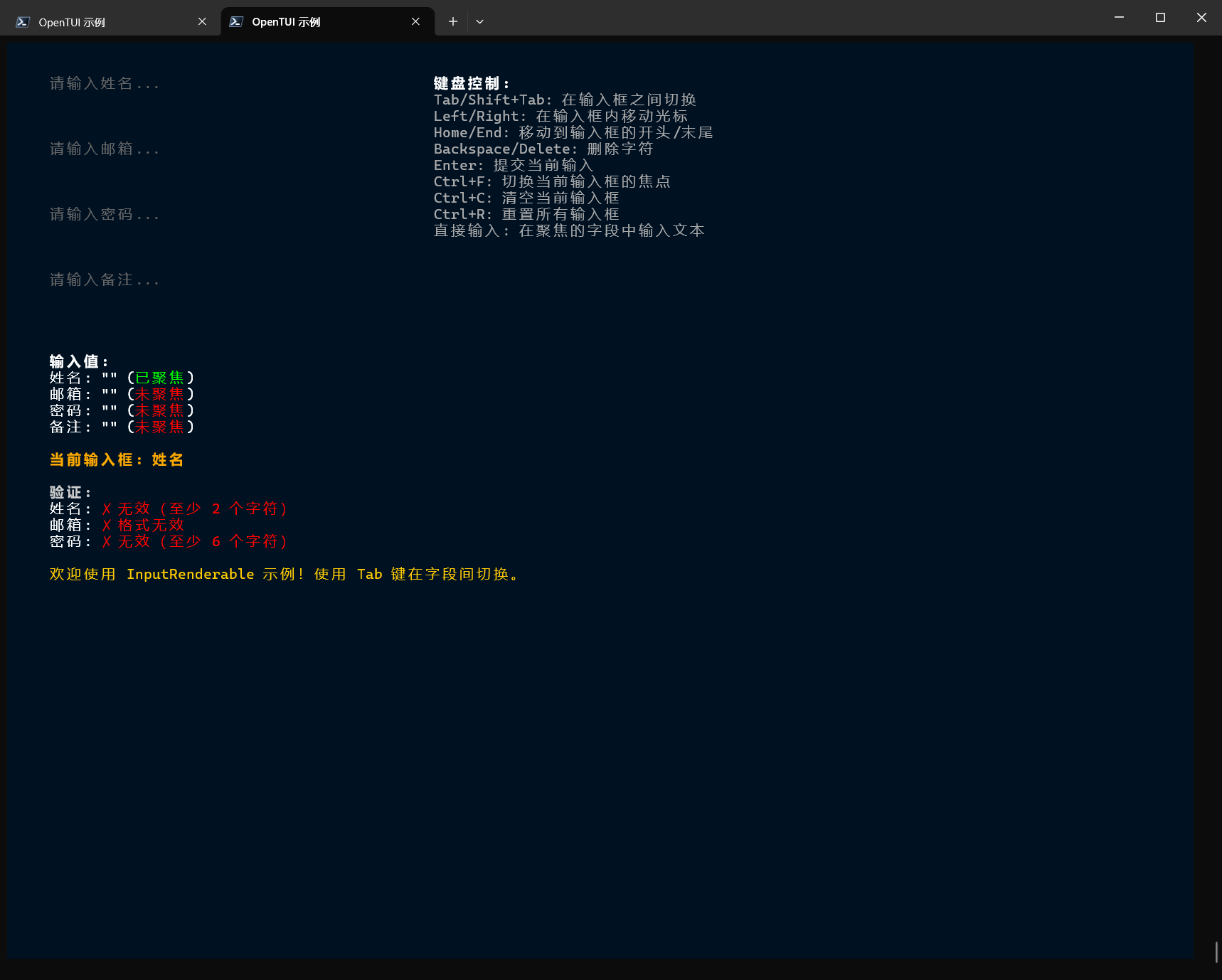
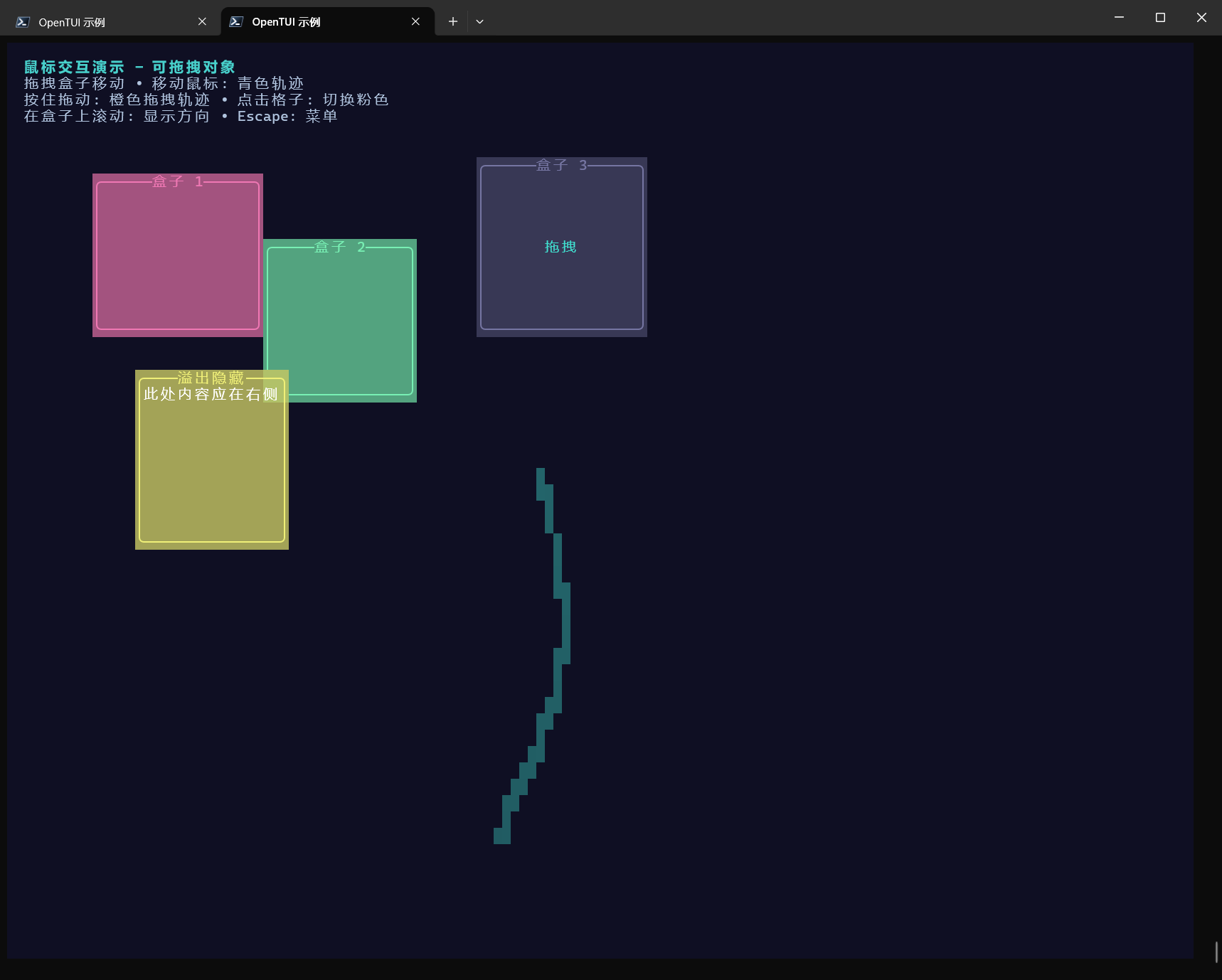
鼠标交互演示
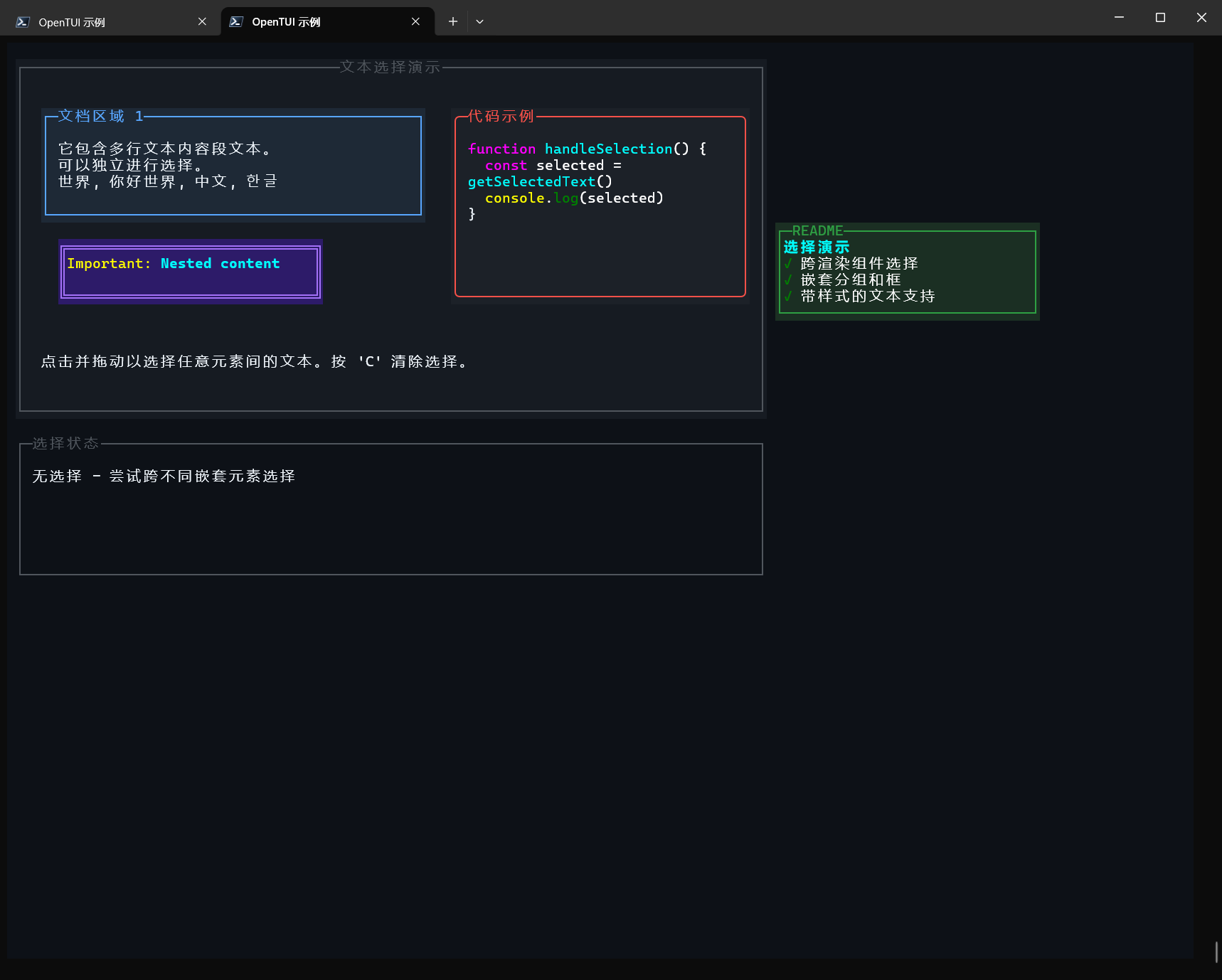
文本选择演示
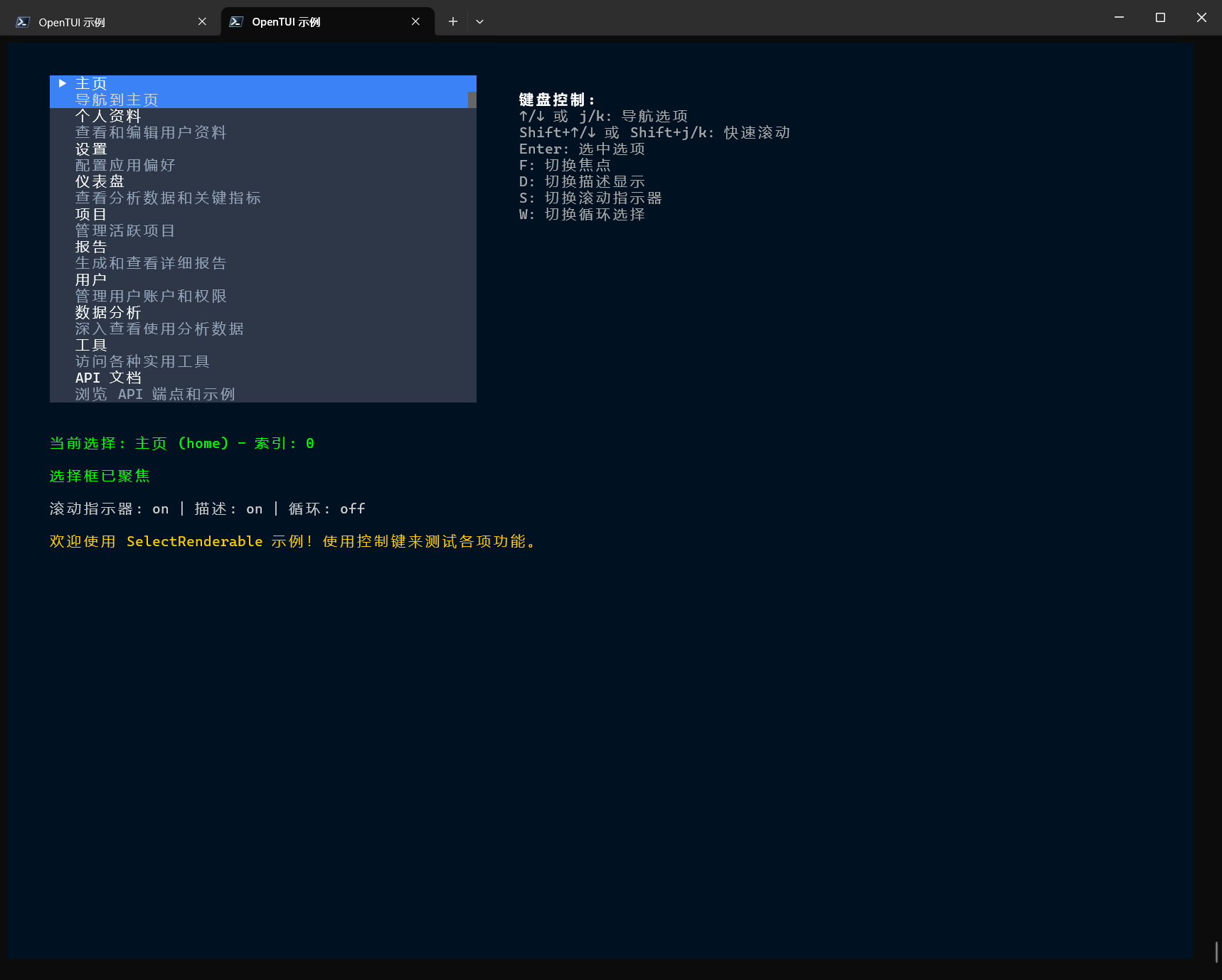
列表选择器
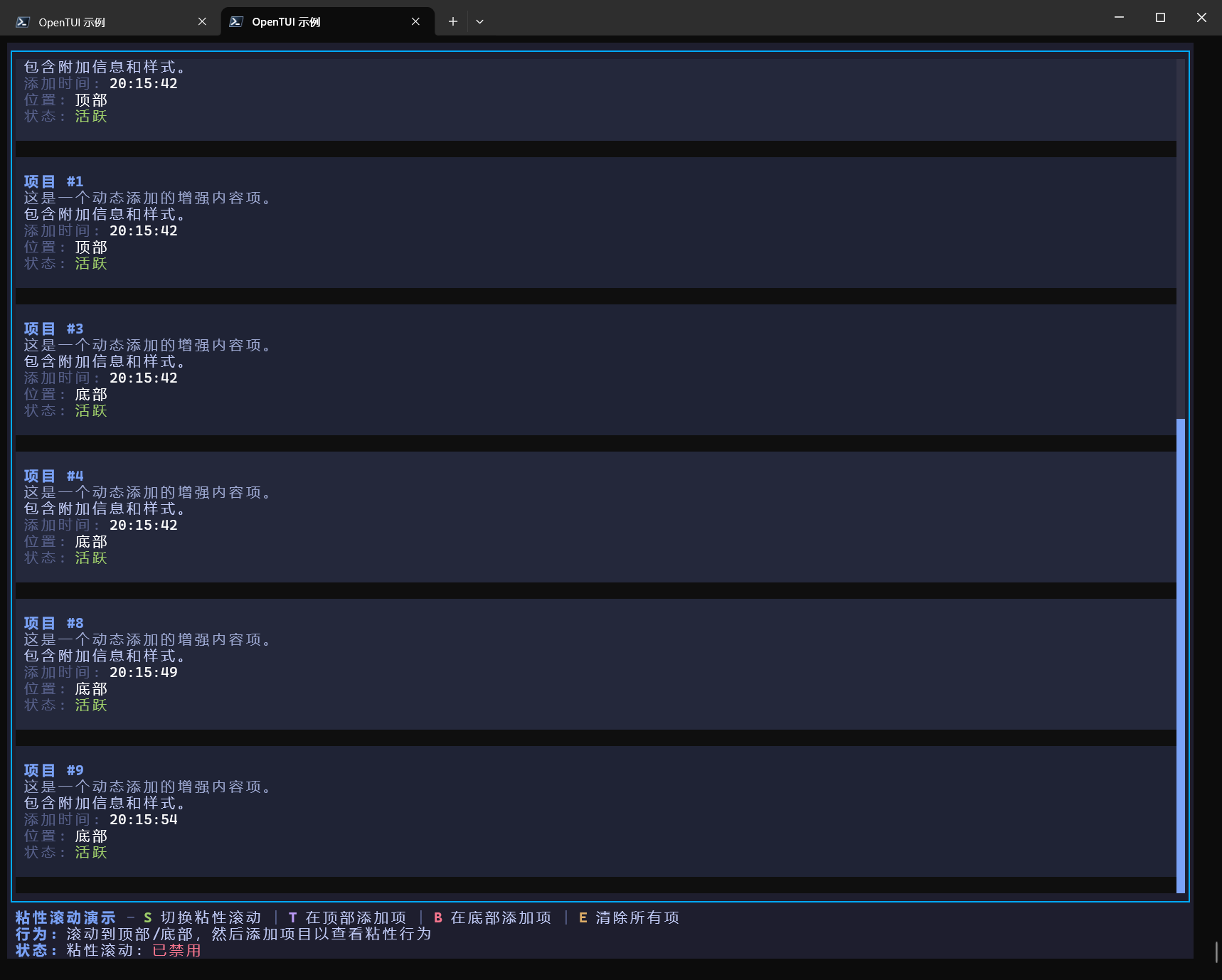
粘性滚动(就是添加项的时候会不会自动滚动到顶部/底部的意思)
代码片段
import { createServer, logging } from "@opentui/ssh";
import { createRoot, useKeyboard } from "@opentui/react";
import { useEffect, useState } from "react";

const PORT = Number(process.env.PORT ?? 2222);

const PALETTE = ["#22c55e", "#06b6d4", "#a855f7", "#f59e0b", "#ef4444"];

function App({ name }: { name: string }) {
  const [hue, setHue] = useState(0);

  useKeyboard((key) => {
    // 手动步进时,每次改变一定的色相角度,比如 15 度
    if (key.name === "up") setHue((h) => (h + 15) % 360);
    if (key.name === "down") setHue((h) => (h - 15 + 360) % 360);
  });

  useEffect(() => {
    // 要实现“丝滑”,更新频率必须足够高。
    // 100ms (10帧/秒) 会卡顿,50ms (20帧/秒) 左右在终端里相对流畅,且不会过度消耗性能
    const timer = setInterval(() => {
      // 每次递增 1 度,你可以调整这个数值来控制炫彩变色的速度
      setHue((h) => (h + 1) % 360);
    }, 1);

    return () => clearInterval(timer);
  }, []);

  const color = hslToHex(hue, 100, 70);

  return (
    <box
      style={{
        width: "100%",
        height: "100%",
        border: true,
        borderStyle: "rounded",
        borderColor: color,
        flexDirection: "column",
        alignItems: "center",
        justifyContent: "center",
      }}
      title=" @opentui/ssh · react "
      titleAlignment="center"
    >
      <text content={`Hello, ${name}! 👋`} fg="#e2e8f0" />
      <text content="↑/↓ to recolor · q or Ctrl-C to quit" fg={color} />
    </box>
  );
}

const server = createServer({
  hostKey: { path: "./.keys/host_key" }, // auto-generated & persisted on first run
  auth: { publicKey: "any" }, // open, but every client has an identity
}).serve((session) => {
  session.renderer.targetFps = 60;
  const root = createRoot(session.renderer);
  root.render(<App name={session.identity.username} />);
  // These keys quit this session (and only this one).
  session.renderer.keyInput.on("keypress", (key) => {
    if (key.name === "q" || (key.ctrl && key.name === "c")) session.end();
  });

  // Tear the React tree down when the client disconnects.
  session.onClose(() => root.unmount());
});

await server.listen(PORT);

process.on("SIGINT", async () => {
  await server.close();
  process.exit(0);
});

function hslToHex(h: number, s: number, l: number): string {
  l /= 100;
  const a = (s * Math.min(l, 1 - l)) / 100;
  const f = (n: number) => {
    const k = (n + h / 30) % 12;
    const color = l - a * Math.max(Math.min(k - 3, 9 - k, 1), -1);
    return Math.round(255 * color)
      .toString(16)
      .padStart(2, "0");
  };
  return `#${f(0)}${f(8)}${f(4)}`;
}


